01
Platform Migration to Shopify
We move stores from WooCommerce, Magento, BigCommerce, Wix, Squarespace, PrestaShop, OpenCart and custom-built platforms, planned around how your business actually works.
Get a quote
Let's connect and explore how we can make your next project a success.
It only takes a minute.
Your details are safe with us. No spam.
Free download
Access ready-to-use templates to plan, scope, and execute your AI initiative with clarity and confidence.
Enter your details to download the template.
Your details are safe with us. No spam.
Free download
Access practical frameworks and tools to understand, evaluate, and implement blockchain solutions with confidence.
Enter your details to download the playbook.
Your details are safe with us. No spam.
Before you go
See why brands trust Bytecode to build, scale and look after their digital products.
Bytecode Technologies has developed a Shopify website for a motorcycle clothing company. The team is tasked with setting up the site's theme, creating custom code, and extracting code from another developer.

Bytecode Technologies continues to deliver features that boost the client's conversion rate and revenue. The team is highly proficient and agile from a workflow standpoint, and internal stakeholders praise the service provider's technical expertise and ability to take ownership of the project.

Bytecode Technologies has delivered the website and code per the client's requirements. The team provides timely deliverables and has been responsive and communicative via email and messaging apps. Their knowledge of Shopify is impressive. They've fixed every issue that the client has presented.

“We have had an exceptional experience working with Bytecode Technologies. Their team of web developers is highly skilled and dedicated, delivering top-notch solutions that exceeded our expectations. They are responsive, professional, and truly understand the needs of their clients. Our project was completed on time and within budget,…

“Exceptional service and unmatched professionalism. From start to finish, every detail was handled with the utmost care, making the entire experience smooth and stress-free. The team’s expertise is evident in every interaction, and their dedication to delivering top-notch results truly sets them apart. I am thoroughly impressed and…

Share your requirements and our experts will map out the right plan for your business.
Your details are safe with us. No spam.
Trusted by brands like





Book a meeting
Book a meeting with one of our experts to discuss your requirements and solutions tailored to your needs.

Ready to help you code your next success!Pick a slot and we'll take it from there.
Choose a slot and get your invite straight away.
See available times and book instantly.
You have unsaved changes. Do you really want to close?

Overview
Most store owners put off a platform move for the same reasons. They’re worried about losing data, dropping out of Google or breaking something their customers rely on. Meanwhile, the old platform keeps costing them in hosting, plugin updates, security patches and developer hours.
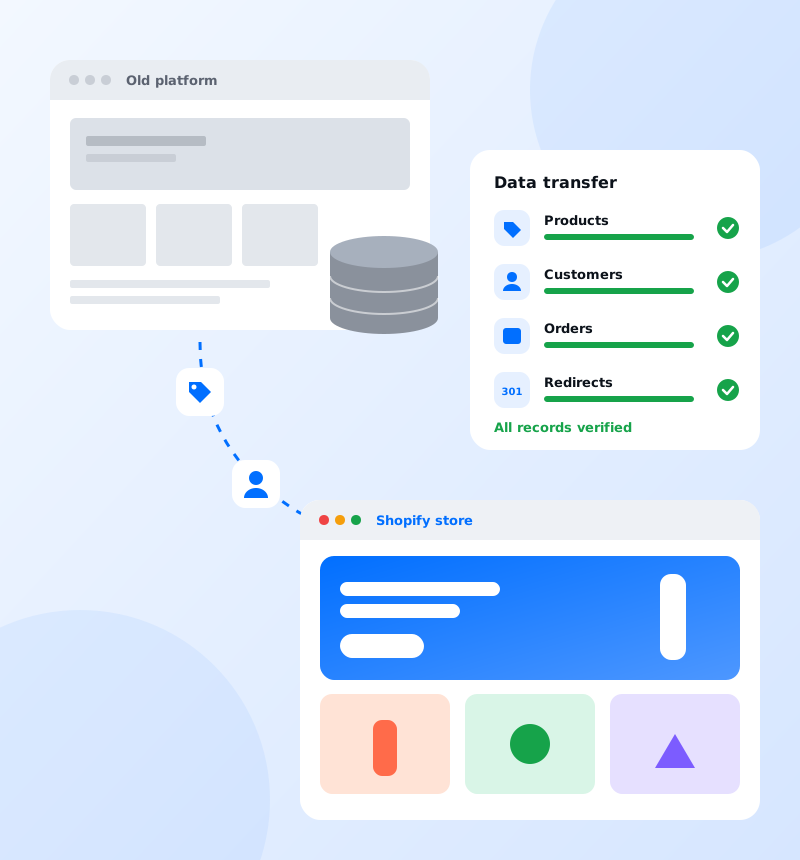
We take that risk off your plate. We plan the move in detail, transfer your data in stages, test everything on your new Shopify store before it goes public, and only switch over when the numbers match. Your customers simply find a faster, better store the next time they visit.
What we offer
Why ByteCode
How we work
FAQ
We migrate stores from WooCommerce, Magento, BigCommerce and custom-built platforms to Shopify.
We migrate products and variants, collections, customers, order history, content pages, blog posts and key settings, and check the data carefully after the move.
No. We map your old URLs to the new ones with a 301 redirect strategy and keep your SEO metadata, so your rankings and traffic are protected.
No. We build your new Shopify store alongside your current one and switch over on a planned cutover day, so customers can keep shopping.
Yes. Our free Shopify Migration Playbook covers the pre-migration audit, redirect strategy, cutover-day runbook and post-launch monitoring. You can download it from our Contact page.
Still have a question? Talk to an expert
Let's work together
Related case studies