On this page
- Shopify theme vs custom development: the three real options
- Cost, speed, flexibility and maintenance compared
- When a Shopify premium theme is enough
- When custom Shopify sections pay off
- When a custom Shopify theme is worth it
- Shopify custom theme development cost over three years: a worked example
- Maintenance and the update path, option by option
- What Shopify’s Fall ’26 theme architecture changes
- A quick scorecard to decide
- Frequently asked questions
- What we’d do first
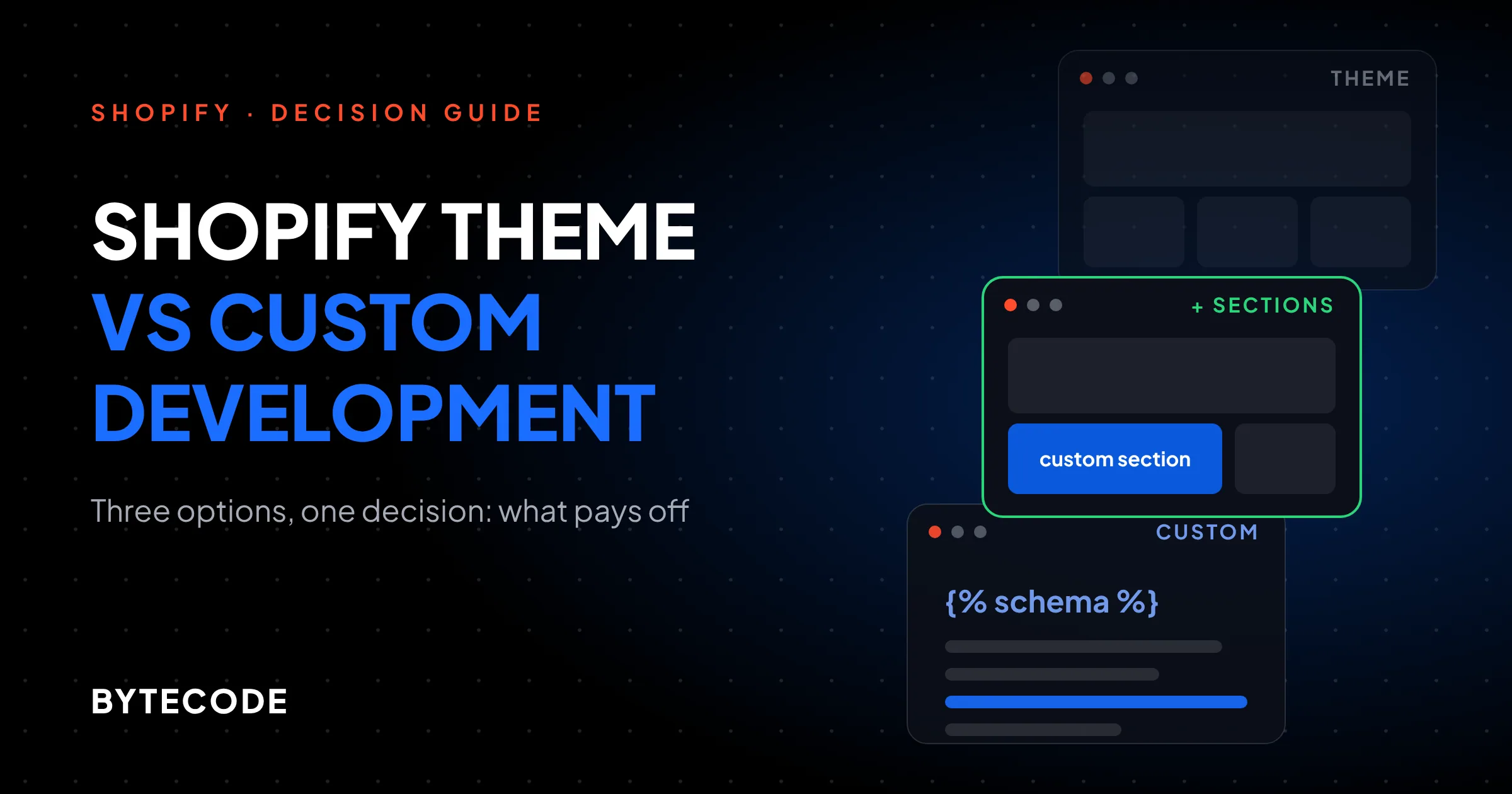
For most stores, the honest answer to Shopify theme vs custom development is neither extreme: buy a well-built premium theme, then pay for custom sections on the two or three templates that actually make you money. A full custom theme pays off later, once you have the revenue, the in-house design system and the developer budget to own every line of code for years.
We get asked this in almost every first call, framed as a binary. It isn’t one. Below is how we decide between the three real options: hours, launch time, what you give up on updates, and a three-year model showing the revenue lift a custom build needs before it earns its money back. Platform details were re-checked on Shopify’s pages in November 2026.
Key takeaways
- Premium themes are not slow by default. On Shopify’s own field data, popular themes like Dawn, Horizon, Prestige and Impulse pass Core Web Vitals on 90% to 94% of the stores that run them.
- The middle path (premium theme plus custom sections and blocks) gets you most of the commercial benefit of custom work for roughly a third of the hours.
- A full custom theme gives up vendor updates for good. You own every bug fix and every platform change after launch.
- In our hypothetical model, a custom theme needs about a 5.5% revenue lift over the middle path to pay back at $500k a year, but under 1% at $3M.
- Shopify’s new Liquid-first theme architecture was only just announced. We would not start a production custom theme on it before Shopify’s own docs mark it ready.
Shopify theme vs custom development: the three real options
The choice is between a premium theme used close to how it ships, a premium theme extended with custom sections and blocks, and a custom theme built from scratch. Headless is a fourth path with its own costs, covered in our guide to headless Shopify.
1. Premium theme, configured
You buy a theme from the Shopify Theme Store, apply your brand, build pages in the theme editor and launch. Shopify’s own website cost guide (updated September 2026) puts prebuilt themes at $0 to $500. A paid theme is a one-time purchase tied to the store you bought it on: Shopify’s help page on adding and buying themes says it is licensed only to that store, and third-party theme purchases are not refunded by the developer. You can preview up to 19 paid themes before paying, which is the cheapest research you will ever do.
2. Premium theme plus custom sections
Same base theme, but a developer adds sections and theme blocks for what the theme cannot do: a fit finder, a bundle builder, an ingredient table driven by metafields. Core files stay untouched as far as possible, so updates keep working. Most guides skip this option. We recommend it more than any other.
3. Custom theme
Every template is designed for your brand and built in Liquid, usually starting from Shopify’s Skeleton theme. You get exactly what your designers drew, and nothing you didn’t ask for. You also get no vendor updates, ever. If a custom theme is on your shortlist, start by seeing how far the first two options go; our ranked list of the best Shopify themes is a good place to set the bar.

Cost, speed, flexibility and maintenance compared
A configured premium theme is the cheapest and fastest; a custom theme is the most flexible and the most expensive to own. The table puts numbers on that. The hour ranges are the ones we scope with, and they match the bands in our Shopify development cost guide, where you will also find regional hourly rates to multiply them by.
| Factor | Premium theme, configured | Premium theme + custom sections | Custom theme |
|---|---|---|---|
| Upfront build | $0–$500 licence + 40–80 h setup | $0–$500 licence + 120–250 h | 300–600 h, no licence |
| Time to launch | 2–4 weeks | 6–10 weeks | 3–6 months |
| Page speed | Good out of the box on most top themes; apps are the usual drag | Same as the base theme if sections are built carefully | Can be the fastest, or the slowest; depends entirely on the team |
| Flexibility | Whatever the theme’s sections and settings allow | Custom where it sells, theme defaults elsewhere | Anything Liquid and the Storefront can do |
| Updates | One-click vendor updates | Vendor updates, plus a few hours of QA each time | None from a vendor; every change is yours |
| Maintenance load | Low: 2–4 h a month | Moderate: 4–6 h a month | Highest: 6–10 h a month |
| Support | Theme developer, by Theme Store rules | Theme developer for core, your agency for custom parts | Your agency or in-house team only |
| Best for | New brands, catalogs that fit the theme’s layouts | Growing brands with a few high-value templates | Established brands with a design system and dev budget |
The maintenance hours are our planning assumptions from support retainers, not an industry benchmark. The more of the theme you wrote, the more of the fixing you do.

When a Shopify premium theme is enough
A Shopify premium theme is enough when your products fit its layouts, you compete on product and brand rather than shopping interface, and you would rather spend the budget on photography and ads. That covers most stores under about $1M a year, and plenty above it.
The usual objection is speed. It rarely holds up. Shopify publishes real-user Core Web Vitals by theme, and in the data updated on 10 November 2026, Dawn passed on 92.6% of qualifying stores, Horizon on 90.1%, Impulse on 93.6% and Prestige on 94.2%. When a theme-based store is slow, we usually find apps, hero media or a tag manager to blame, not the theme.
Theme Store themes also come with guarantees you would otherwise have to write into a contract. Shopify’s Theme Store requirements set a minimum average Lighthouse performance score of 60 and accessibility score of 90 across the home, collection and product pages on desktop and mobile. Theme developers must reply to merchant support requests within two business days and fix critical bugs immediately, or risk the theme being pulled from the store.
Signs a premium theme is the right call:
- Your product pages need the standard blocks (gallery, variants, description, reviews) plus one or two extras an app can supply.
- You change your homepage often and want marketers doing it in the theme editor without a ticket.
- You have no developer on retainer and do not want one yet.
- You are still learning what customers respond to. A $40,000 design you will want to change in nine months is an expensive way to find out.
From our team: before you rule a theme out, preview it on your own store with your real products. Half the “this theme can’t do it” objections we hear disappear once it shows real photos and metafields instead of demo content.
When custom Shopify sections pay off
Custom Shopify sections pay off when a specific template is costing you sales and no theme or app handles it well. The classic cases are a configurator or bundle builder, a product page that needs structured data the theme ignores (sizing tables, ingredient lists, compatibility charts), and a landing page format your paid traffic depends on.
Shopify’s current architecture makes this cleaner than it used to be. Per the theme blocks documentation, theme blocks live as standalone files in a theme’s /blocks folder and can be reused across sections and nested inside each other, while older section blocks only work inside the section that defines them and cannot nest. A theme can hold at most 300 theme blocks, and unused and AI-generated files count too. Generous, until three agencies and a Sidekick experiment have each left their own versions behind.
The rule that keeps this option cheap: add files, don’t edit them. Shopify’s page on updating themes explains that editor customizations (settings, section and block settings, templates, app embeds) are copied into the new version, but code edits only carry over if they don’t conflict with the update. If they do conflict, someone reapplies them by hand. So we build new sections and blocks as new files, and touch core files like layout/theme.liquid or the theme’s main product section as little as possible. A new section that accepts theme and app blocks only needs this in its schema:
{% schema %}
{
  "name": "Fit finder",
  "blocks": [{ "type": "@theme" }, { "type": "@app" }],
  "presets": [{ "name": "Fit finder" }]
}
{% endschema %}
When the vendor ships an update, those files come along untouched and QA is a few hours of checking that nothing around them moved. We cover the full workflow in our guide to Shopify theme customization.
Watch out: updates only exist for themes installed from the Theme Store. Shopify’s help page says themes bought elsewhere are not supported for updates, and uploaded themes don’t receive them. A “premium theme” from a marketplace zip file is, for maintenance purposes, already a custom theme you didn’t design.
When a custom Shopify theme is worth it
A custom Shopify theme is worth it when the shopping experience itself is part of what you sell, and you have the revenue and the team to keep it healthy after launch. If either half of that sentence is missing, the middle path is the better buy.
The situations where we push clients toward custom:
- You already have a design system used across an app, retail and email. Bending a theme to match it costs more than building to it.
- Most templates need custom work, not two or three. Once custom sections cover 70% of the store, you are maintaining a custom theme anyway, plus a vendor’s code you didn’t write.
- You run several storefronts. Shopify Plus stores can hold up to 100 themes in the library against 20 on other plans, and expansion stores benefit from one codebase you control and deploy to each.
- You have a performance budget and someone to enforce it. A lean custom theme can beat any premium theme. A careless one will lose to Dawn.
We’ve built for brands like Delsey, EcoFlow and Kerbholz, and even on larger projects we start the same way: by asking which templates truly need to be bespoke. The answer is usually fewer than the brief suggests.
What you give up is quieter than the cost. When Shopify adds a theme feature, a premium theme user gets it in an update. A custom theme owner gets a quote.
Shopify custom theme development cost over three years: a worked example
Shopify custom theme development cost is not the build invoice; it is build plus three years of upkeep, and the useful question is how much extra revenue the custom work has to produce to pay for itself. Here is a hypothetical model to make that concrete. Every figure in it is an assumption, not a client result.
Assume a blended rate of $100 an hour, a $400 premium theme licence, and a 50% gross margin. Hours come from the middle of our scoping ranges.
| Line | Premium theme | Theme + custom sections | Custom theme |
|---|---|---|---|
| Theme licence | $400 | $400 | $0 |
| Build | 60 h = $6,000 | 180 h = $18,000 | 450 h = $45,000 |
| Monthly upkeep, 36 months | 3 h/mo = $10,800 | 5 h/mo = $18,000 | 8 h/mo = $28,800 |
| Update or platform-change work | 8 h/yr = $2,400 | 16 h/yr = $4,800 | 30 h/yr = $9,000 |
| Three-year total | $19,600 | $41,200 | $82,800 |
The custom theme costs $41,600 more than the middle path over three years. At a 50% margin, paying that back takes $83,200 in extra revenue.
- At $500,000 a year in revenue ($1.5M over three years), that is a 5.5% lift over what the middle path would have done.
- At $3M a year, it is under 1% (0.92%).
- At $10M a year, it is about 0.28%.
Here is the part people miss. The lift has to come from what custom adds beyond the middle path. If custom sections already fixed the product page and bundle flow, the remaining templates (about, blog, account) rarely move revenue by 5%. A $500k store buying a custom theme is usually buying brand satisfaction. Legitimate, just not financial.

Not sure which of the three your store needs?
Send us your store URL and the templates you think are holding you back, and we will tell you which option we would pick and roughly how many hours it takes.
Get a recommendation
Maintenance and the update path, option by option
Maintenance is where the options differ most, and most quotes leave it out. A premium theme gets vendor updates, a customized one gets updates plus QA, and a custom theme gets nothing unless you pay for it.
Premium theme
Updates show up on the theme card under Online Store > Themes. Never update the live theme blind: duplicate it, update the copy, click through home, a collection, a product with variants, cart and search, then publish.
Theme plus custom sections
Same routine, plus one check: the theme card message. Shopify reports either that code edits were included or that they could not be. The second means a conflict. Keep the theme connected through Shopify’s GitHub integration and the diff shows exactly what moved.
Custom theme
No update button. Someone on your side reads Shopify’s developer changelog, decides what matters and schedules the work. Our Shopify development team runs this as a monthly retainer for custom-theme clients, because the alternative is discovering a broken feature from a customer email.
What Shopify’s Fall ’26 theme architecture changes
Shopify announced a new theme architecture in its Fall ’26 Edition, and it shifts the math slightly toward waiting if you are planning a custom theme. According to Shopify’s developer announcement dated 28 October 2026, page structure moves into the Liquid template itself instead of a separate JSON file, with blocks, typed contracts, partial updates, markdown files that guide coding agents, and Tailwind styling built in. The Fall ’26 Edition page also introduces Canvas, a new store editor where merchants design with Sidekick, which the announcement describes as in early access.
What we would do with that:
- Premium theme buyers: nothing yet. Pick a vendor that ships updates regularly, and you will get the change when they move.
- Middle-path projects: carry on. Theme blocks are the current standard, and the new architecture is described as built around blocks, so well-structured blocks are the code most likely to carry forward.
- Custom theme projects starting in the next few months: ask your agency directly which architecture they will build on and why. We would build production stores on the current, documented architecture until Shopify’s docs mark the new one ready for live stores, and plan a review point in the second half of 2027.
Watch out: when we checked in November 2026, Shopify had not published a general-availability date for the new architecture in the pages we read. Be wary of anyone selling a custom theme “on the new architecture” as if it were settled.
A quick scorecard to decide
Score each question 0 for no, 1 for partly, 2 for yes. Crude, but it moves the conversation from taste to facts.
- Is annual online revenue above $2M?
- Do more than half of your templates need layouts no theme offers?
- Do you have a documented design system or brand component library?
- Is there a developer or agency on retainer after launch?
- Are you running, or about to run, more than one storefront?
- Can you wait 3 to 6 months to launch?
Scores of 0 to 4: buy a premium theme and configure it. Scores of 5 to 8: premium theme plus custom sections. Scores of 9 to 12: a custom theme is a reasonable choice, and the worked example above suggests the money side will likely hold up.
Frequently asked questions
Should I buy a Shopify theme or build custom?
Buy a Shopify theme unless your revenue, design needs and post-launch budget clearly justify custom work. For most stores the best answer is a premium theme plus custom sections on the templates that drive sales. A full custom theme makes sense for established brands with a design system, many bespoke templates and a developer on retainer to maintain it.
How long does a custom Shopify theme take?
A custom Shopify theme usually takes 3 to 6 months from discovery to launch, covering roughly 300 to 600 hours of design, development and QA. A premium theme with custom sections takes 6 to 10 weeks, and a configured theme 2 to 4 weeks. In our experience, delays come more often from late content and design sign-off than from code.
How much does a custom Shopify theme cost?
A custom Shopify theme costs whatever 300 to 600 hours costs at your team’s rate, which is $30,000 to $60,000 at a hypothetical $100 an hour. Regional rates move that range a lot. Add three years of upkeep, since you will have no vendor updates, and the long-term cost can be close to double the build.
Are premium Shopify themes slow?
No, popular premium themes are not slow on their own. Shopify’s real-user data from November 2026 shows themes like Prestige, Impulse and Symmetry passing Core Web Vitals on about 94% of qualifying stores. Slow theme-based stores are usually slowed down by apps, oversized media and tracking scripts rather than by the theme code.
Can I customize a Shopify theme and still get updates?
Yes, if the theme came from the Shopify Theme Store and you keep code changes out of its core files. Shopify copies editor customizations into each update, and carries code edits over only when they don’t conflict. Building custom work as new sections and blocks keeps conflicts rare and updates quick to test.
Can I use one Shopify theme on several stores?
No, a paid Theme Store theme is licensed only to the store where it was bought, according to Shopify’s help center. You need to buy it again for each additional store, though a transfer may be possible if you meet Shopify’s requirements. A custom theme you own can be deployed to as many of your stores as you like.
What we’d do first
Pull your analytics for the last 90 days and list the five templates with the most revenue passing through them. Those five are the whole argument. If a good premium theme handles them, buy it. If it handles three of them, buy it and build custom sections for the other two. Only when the list keeps growing, and you have someone to maintain the result, does a custom theme start to make sense.
Then put the three-year number next to the launch number before you sign anything. If you want a second opinion on a quote you already have, or a scoped plan for your own store, our shopify development services team will walk through it with you.